Systems | Development | Analytics | API | Testing

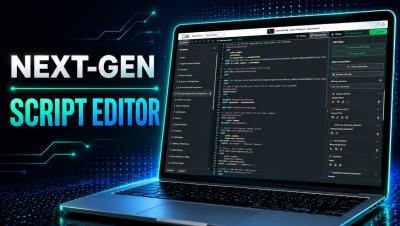
Qlik Script Editor Gets a Major Upgrade

Qlik Cloud just introduced a modern, IDE-grade editing experience for the Data Load Editor and Script Editor — now available in Public Preview. In this video, Michael Tarallo walks through what's new, including dark mode, improved syntax highlighting, code folding, smarter navigation, autocomplete, and code refactoring with Rename Symbol. Learn how to activate the Next-Gen Script Editor in your tenant and see how these updates make everyday Qlik scripting faster and more intuitive.

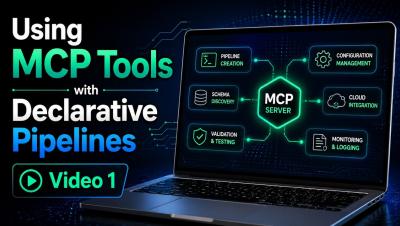
Using MCP Tools for Declarative Pipelines - Video 1

This is Part 1 of a two-part video series exploring how Qlik MCP tools can be used with declarative pipelines directly within VS Code. In this video, I demonstrate how to use the MCP tools to explore and validate your Qlik environment before building anything—identifying available connections, inspecting source tables, reviewing pipeline project information, and verifying the resources you plan to use.

Using MCP Tools for Declarative Pipelines - Creating the Data Pipeline - Video 2

This is Part 2 of a two-part video series exploring how Qlik MCP tools can be used with declarative pipelines directly within VS Code. In this video, Mike Tarallo, demonstrates how to now create the data pipeline using declarative YAML in VS Code. You will see the creation process, learn some tips and tricks and see the final result.

AI Optimization - Semantic Understanding - Quick Demo

AI Optimization is a workspace for managing how Qlik Answers understands an application. It brings semantic management into one experience, where you can review AI-generated semantic understanding and make corrections before they reach an answer. The result is a visible, correctable layer where there used to be none. AI Optimization is the central place to manage how Qlik Answers interprets your application. Semantic Understanding, inside it, shows and lets you edit this interpretation of each field and master item.