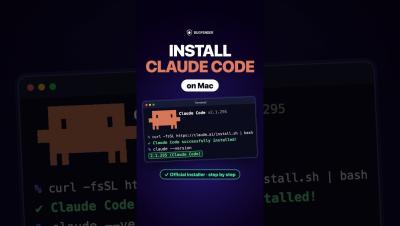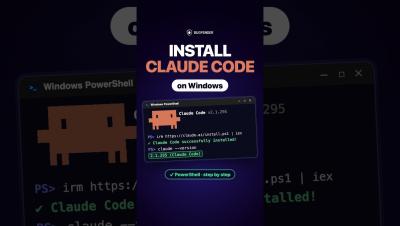
How to Install Claude Code on Windows with PowerShell (Step by Step) #Shorts #aicoding #claudecode
How to install Claude Code on Windows using the official PowerShell installer, step by step. Claude Code is Anthropic’s AI coding assistant for the terminal. This tutorial shows how to find the official instructions, run the PowerShell installer, handle the PATH setup note, launch Claude Code and sign in. WHAT YOU NEED You do not need to run PowerShell as Administrator. INSTALLATION STEPS Search “Claude Code terminal” and open the official result from code.claude.com. Find the Windows PowerShell installation command and copy it.