
Systems | Development | Analytics | API | Testing

Grafana vs Kibana: The Updated Guide For 2022

If you have any experience with comparing open source data visualisation tools then it is very likely you will have encountered both Kibana and Grafana during your research and discovery phase. As two of the most popular solutions for logs and metrics analysis, it can be difficult to distinguish between the two and make the choice to use either Grafana or Kibana depending on the analysis task at hand.

Why dashboards don't deliver on promised business value

Modern data and analytics leaders know that every business user is different. No two marketers or finance managers will use data in exactly the same way because no two share the same contextual view or understanding of the business. Their challenges are as nuanced as they are complex. And they need insights tailored to their specific needs if they are to be successful at solving business problems with data. Unfortunately, traditional BI tools treat everyone like carbon copies.

The Top 21 Grafana Dashboards & Visualisations

In our guide on the best Grafana dashboards examples, we wanted to show you some of the best ways you can use Grafana for a variety of different use cases across your organisation. Whether you are a software architect or a lead DevOps engineer, Grafana is used to make analysis and data visualisation far easier to conduct for busy engineering and technical teams throughout the world.

Four ways static dashboards are costing your business

Ask any analyst how they spend the majority of their work day and they’ll tell you: Performing remedial tasks that provide no analytics value. 92% of data workers report that their time is being siphoned away performing operational tasks outside of their roles. Data teams waste an inordinate amount of time maintaining the delicate data-to-dashboards pipelines they’ve created, leaving only 50% of their time to actually analyze data.

From 0 to Dashboard with Cloudera Data Warehouse

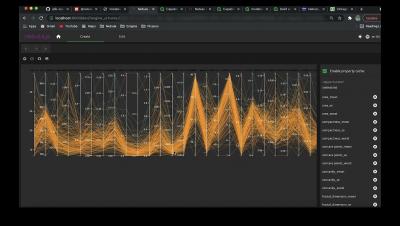
Today you'll see a quick demo on how to start off with any given dataset, reference it within Cloudera Data Warehouse, and then use the in house Data Visualization to create a live dashboard from the data. We'll use some example shipping data and show how you can go from 0 to dashboard in no time at all.

A Sneak Peek at Scaling Without (So Much) Pain [Destination: Scale]

Lens, the Kubernetes IDE, is an open source Kubernetes dashboard that enables users to easily see what objects are running in their cluster and interact with them. In that way, it has been helping to take some of the pain out of Kubernetes operations and development, but now it includes features specifically aimed at those of us with large environments.