Systems | Development | Analytics | API | Testing

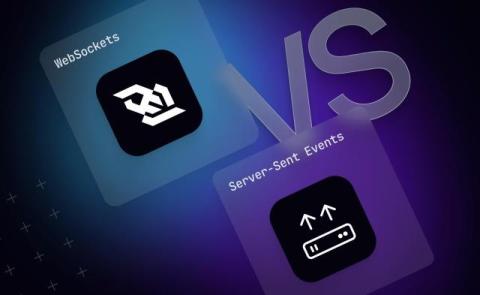
WebSockets vs Server-Sent Events: how to choose the right one for production

WebSockets and Server-Sent Events (SSE) solve the same immediate problem: getting data from a server to a browser without the client asking for it first. Most comparisons stop at how their connection types and browser support compare, to help you decide which one to use. This one covers that ground too, but goes further, into what neither protocol solves for you and whether to build that yourself or hand it to a managed platform.
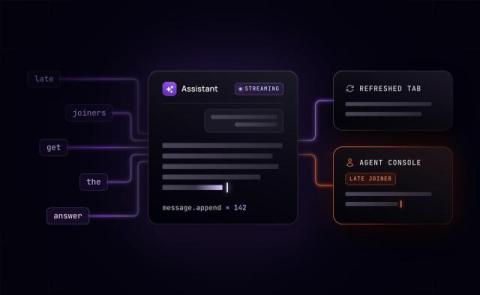
A token is not a message: stop storing AI responses like event logs

How you store a streamed AI response decides what a client sees when the client joins partway through. A human agent taking over a support conversation, a refreshed browser, and a second device all need the response generated so far, and depending on how the response was stored, that late joiner gets the full response, fragments, or nothing. This article compares four common ways to store a streamed response, what each one gives a late joiner, and what each one costs your team.

Why WebSockets beat SSE for AI streaming at scale

Picture a support agent mid-refund: it has pulled the order, flagged the tool call, and is one approval away from processing it. Then the user needs to approve it. On Server-Sent Events (SSE), there's no channel for that approval to reach the agent, because the connection only carries data one way - from server to client. A WebSocket keeps that connection open in both directions instead, so the approval could reach the agent the moment it's given.

Why WebSocket ordering breaks down once you're in production

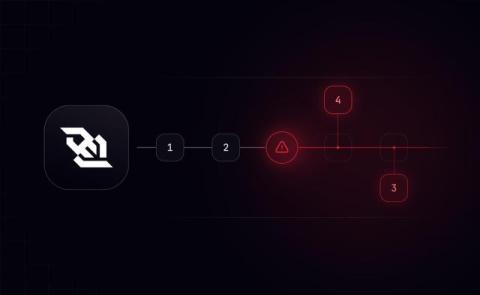
WebSocket guarantees message order, but only within a single, open connection. When that guarantee breaks in production and not in local testing, the cause is almost always one of four things: The first is a genuine one-time fix. The other three are infrastructure you commit to operating, not patches you apply once. Deciding which situation you're in, and what to do about it, is what this piece covers.

Raw WebSockets for AI streaming: when patching stops paying off

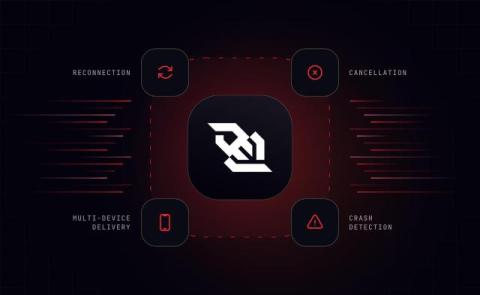
Raw WebSockets drop connections, lose track of canceled responses, and don't natively reach a second device. If your AI streaming feature has been in production for a while, you've probably already built a fix for at least one of these and found another one waiting. Reconnection, cancellation, multi-device delivery, and crash detection are the four problems raw WebSockets leave for you to solve, and each is its own piece of infrastructure to build. Solve one, and the other three remain unsolved.

Add resumable streaming and reliable tool calling to your OpenAI agent

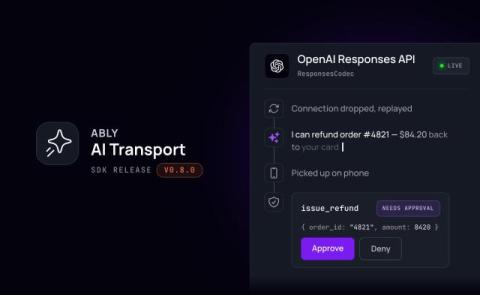
If you build an agent against OpenAI's Responses API then the simplest way to get output to the user is streaming over HTTP/SSE. If the user refreshes the page, loses connection, switches devices, or needs to approve a tool call, then there's nothing in the API to help you. AI Transport is Ably's session layer for agent-to-user conversations. An agent built on it gets resumable streams, multi-device sessions, and approval gates that wait for a human user, without deploying additional infrastructure.

A Starlette middleware guide for FastAPI and Python developers

Most web applications start clean with a handful of route handlers, each focused on a single business logic. As the app moves to production, the audit team wants every request logged, and the security team wants API key validation on all routes. As the app grows, we might introduce rate limiting, CORS for a new frontend, and a request ID for distributed tracing.

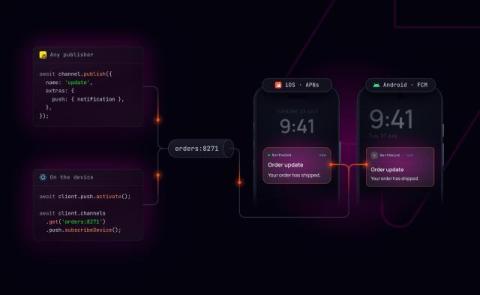
Ably Pub/Sub now supports React Native push notifications

Until now, sending push notifications to a React Native app with Ably meant registering devices manually through the push admin API, usually from a server. The new plugin moves activation where it belongs: onto the device. We've added first class support for React Native apps receiving push notifications through the Ably PubSub JavaScript SDK.

Does Temporal Workflow Streams replace a durable session layer?

If you're running a customer-facing AI agent on Temporal, you've probably seen this: a user refreshes the tab mid-response. When the page comes back, the response resumes, but anything they were about to send back (an interruption, a tool approval) is gone. Temporal keeps the workflow itself crash-proof, but getting its output to a browser, and taking anything back from the browser into the workflow, has always meant building it yourself.

AI Transport v0.6.0: mid-run steering

Steering lets a client redirect an agent while the agent is still working, so a follow-up message reshapes the answer in flight instead of cancelling the Run and starting over, or waiting for it to finish. In the AI Transport SDK, a Run encapsulates the agent's output for a single turn (including multiple iterations around an agentic loop). The last release, v0.5.0, made a single agent turn survive a crash by splitting a Run into re-attemptable Steps.